Connect Airbnb and Booking.com to your own calendar with iCal
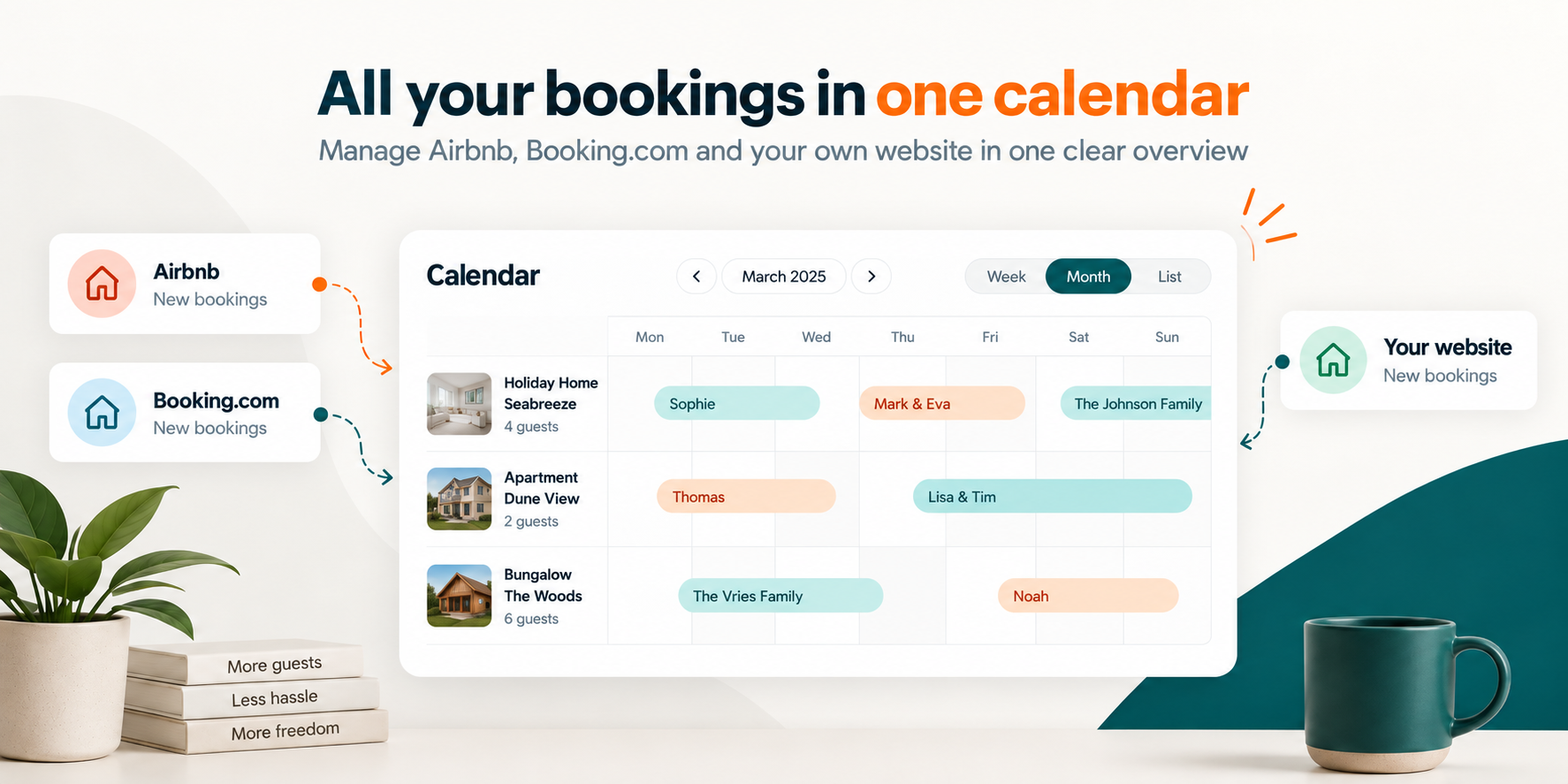
With iCal, you can bring occupied periods from Airbnb, Booking.com and your own rental calendar together in Homadu. This saves copying and gives you one overview for planning your property. Setting up import and export lets you share availability in both directions. Here is how to select sources, test the connections and check changes.
Bring occupied periods into one overview
iCal imports occupied dates from external calendars into Homadu, identified by the name you give each source. This helps you see which channel accounts for each occupied period when planning. Manage reservation details and follow-up through the original booking on Airbnb or Booking.com. You review requests from your own Homadu website yourself: accept or decline them, and the guest receives the corresponding confirmation email.
Collect the correct calendar links for each property
Start with a simple record of which listing on each channel belongs to which property in Homadu. Then collect the external iCal export links and the Homadu export link you intend to use. Choose the calendar for the specific rental unit so a booking for house A does not block house B. Check especially carefully when you have several listings or have changed one. Treat calendar links as private: someone with the link may be able to retrieve calendar information. Do not post them publicly, in a blog, on social media or in an unprotected screenshot. Keep only the information you need somewhere with appropriate access controls.
Set up the connection in both directions
Import brings an external calendar into Homadu; export shares your selected Homadu calendar with the platform. Set up both directions for every channel listing the same property.
- Copy the iCal export link for the correct Airbnb listing and add it as an external calendar source for the correct Homadu property. Give the source a recognisable name.
- Repeat this with the Booking.com iCal export link. After the import, check that known occupied periods appear on the correct nights.
- Choose the appropriate Homadu export and add its link as an imported calendar on both Airbnb and Booking.com. Check that each is attached to the right listing there too.
- Record what each connection passes on. Test that external blocks arrive in Homadu and that the intended Homadu blocks also reach the platforms.
Choose export contents and avoid returning blocks
Homadu offers an export of its own bookings and blocks, along with options for a full calendar or selected external sources. Choose what to share with each receiving channel. To pass an imported Airbnb period on to Booking.com, include the Airbnb source in that export. Leave the Booking.com source out of the export back to Booking.com so that blocks retain a clear origin. Draw the connections if helpful, and check source selections before linking several calendars together.
Allow for each calendar’s retrieval schedule
Calendars retrieve each other’s feeds periodically. Homadu schedules external imports every quarter of an hour; platforms retrieve calendar information on their own schedules. Queues and source availability affect processing. An Airbnb booking first appears in its source feed, is then imported into Homadu and can subsequently be retrieved by Booking.com through your chosen export. For a recent booking or urgent request, also check the original channel calendar. This helps you base the decision on the latest available information.
Test the nights and repeat for each rental unit
Use a small, recognisable test block on dates you deliberately keep clear for testing. Check one direction first, then the other. A block from Friday until departure on Monday should make Friday, Saturday and Sunday nights unavailable; Monday is not an extra overnight stay. Check the result in Homadu and on the receiving platform, including neighbouring dates. Remove the test once you understand how it is processed, then also check that the nights become free again. Repeat the test for every property to check its individual links and source selections.
Check the source when imports fail or changes are missing
First identify where the difference starts: is the booking in the source calendar, does Homadu show the correct period, and has the receiving channel retrieved it? Check the last successful import and any error status. Verify that the source link still belongs to the correct active listing and whether it has changed. If an import fails, Homadu retains previously imported availability. Compare the latest changes directly with the source. If availability is immediately in doubt, manually block the relevant nights where necessary while resolving the cause. Check how changing or removing a source affects occupied periods before taking that step.
Make connection checks part of routine management
Check your connections again after adding a listing, changing a calendar link or adjusting export sources. The connection saves data entry, and the central overview helps you handle requests, changes and confirmations. Build a regular routine with the steps in a practical workflow to prevent double bookings.
