Managing licence numbers
Under licence numbers, you can add registration and permit numbers associated with your accommodation. For example, this could be a tourist rental permit, registration number or local licence number that must be displayed on your rental website. These details are automatically displayed at the bottom of your website in the footer, under Registration and permits.
Add licence
Click Add licence to add a new registration or permit number.
Then enter the following details:
Licence name
Enter the name or abbreviation of the permit here, for example NRA, VFT, Registration number or Tourist permit.
Using the language tabs, you can enter the licence name for each language. This ensures that the correct name is shown when a visitor views the website in another language.
Licence value
Enter the actual number or code of the permit here.
Then click Save. The licence is immediately added to the overview and displayed on the website.
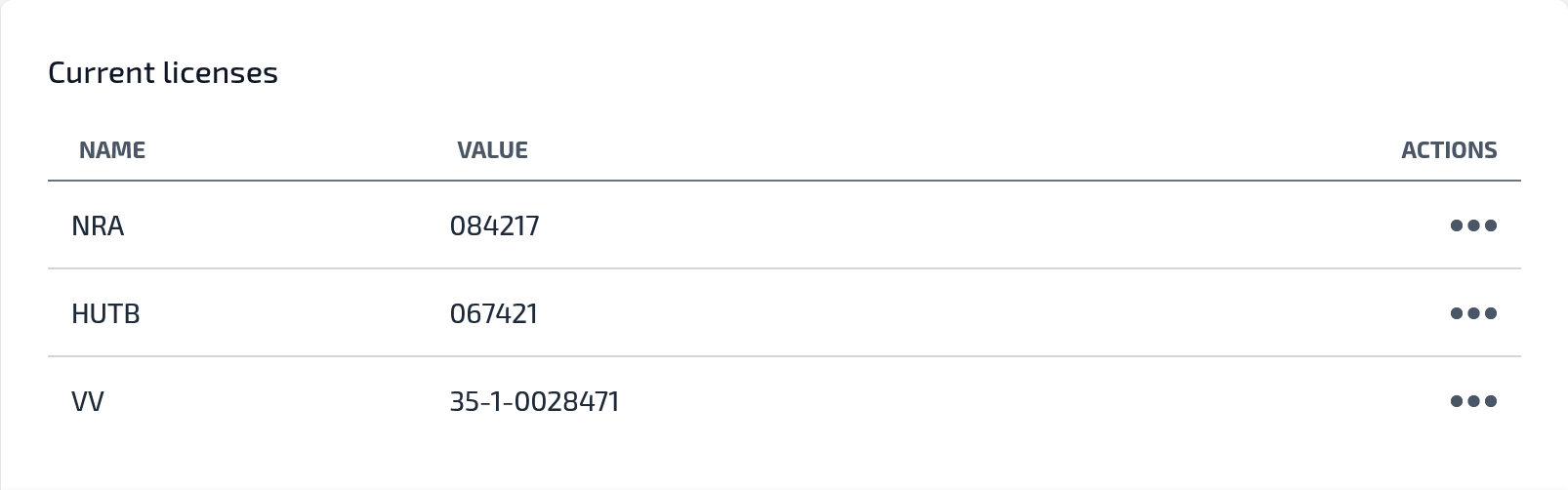
Using multiple licences
You can add multiple licences if your accommodation has different registrations or permits. All licences entered are clearly displayed one below the other in the website footer.
When do you use this?
Use this section when you are legally required to display a registration or permit number, or when you want to give guests extra confidence by making official details visible.