A holiday rental page guests can trust: the details that matter
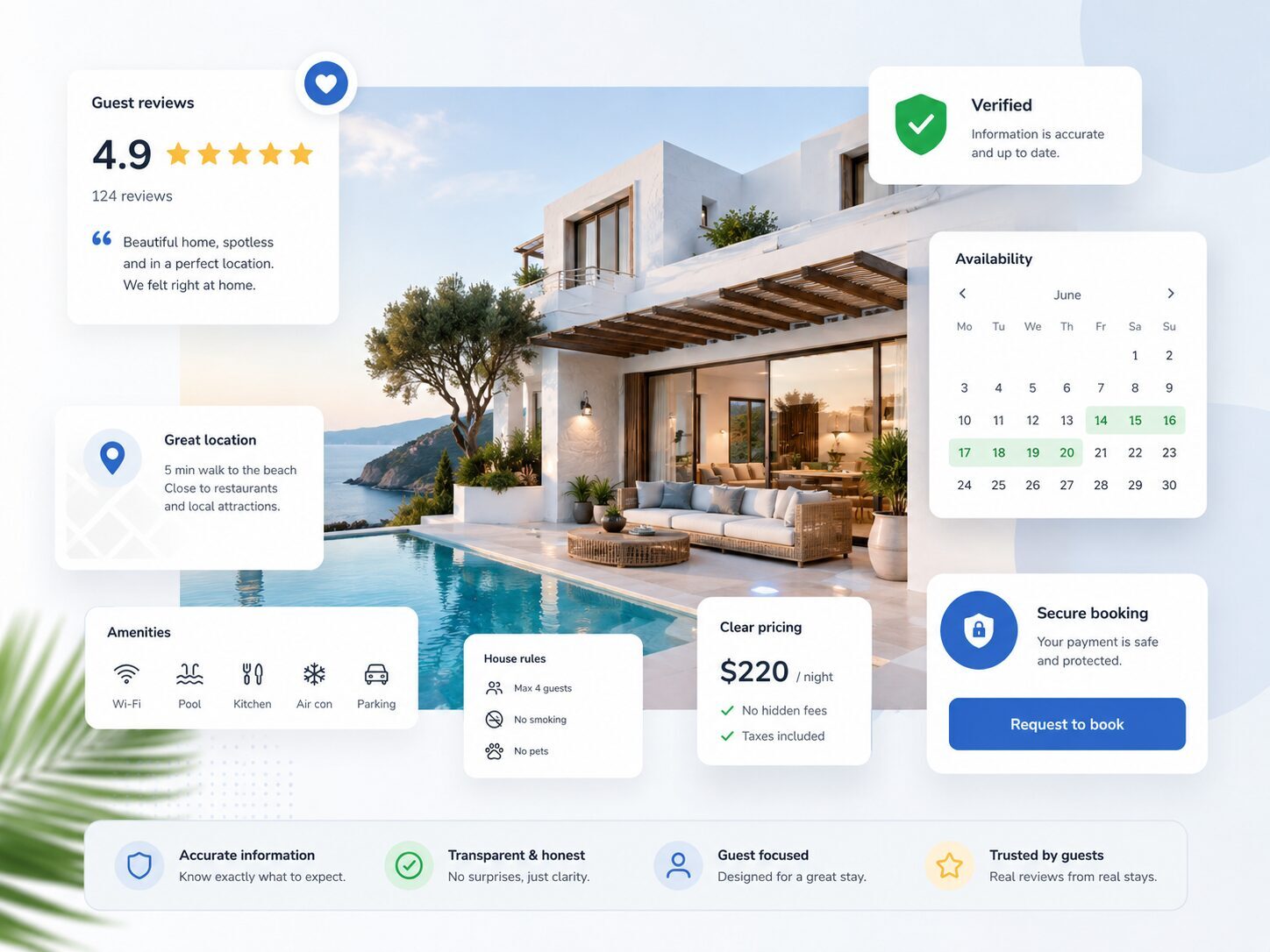
Your property page should help guests decide whether your holiday home suits their group and understand how to request a stay. Good photos are only part of that. An honest view of the rooms, clear costs and an identifiable host answer the questions that can hold a guest back. Read your page as someone who has never visited. Can you work out where everyone would sleep, what the stay would cost and which rules apply without having to ask?
Start with the questions guests need answered
Put the essentials together: property type, location, maximum occupancy, bedrooms and main facilities. Explain who the home suits without trying to appeal to everyone. “Two upstairs bedrooms reached by a steep staircase” is more useful than “perfect for all ages”. Make limitations visible too. Guests can then judge whether the property meets their needs.
Show the property as it really is
Include the living room, every bedroom, kitchen, bathroom and outdoor space. Choose bright, recent photos and arrange them logically. A breakfast-table detail is no substitute for a view of the kitchen. Avoid edits that make rooms look larger or alter the view.
Identify private and shared areas. Show the entrance, stairs or proximity to a road where relevant. Update the images when the furnishings change. Homadu lets you organise photos by room, helping guests connect each image with the right description.
Be specific about beds, facilities and surroundings
Explain the bed layout and relevant dimensions: twin beds are different from one double bed. Say what facilities actually include, such as a private parking space or a kitchen with an oven. Describe accessibility features precisely; “accessible” alone may leave essential questions unanswered.
Give useful distances and specify the mode of transport. Is the shop ten minutes away on foot or by car? Mention seasonal facilities and relevant noise from the surroundings. Guests should be able to picture the stay you can provide.
Make house rules and safety information easy to find
Be clear about pets, smoking, visitors, parties and quiet hours. Place arrival and departure times alongside practical arrival information. Describe relevant safety features and conditions, such as smoke alarms, open water or an ungated staircase. Only claim equipment and checks that are real.
Keep sensitive access details, including key codes, off the public page. Send them privately at the appropriate time. Make it easy for guests to contact you about a particular concern.
Show the total for the selected stay
A “from” price offers little guidance if mandatory charges appear later. Once dates and guest numbers are selected, show the accommodation price and compulsory charges clearly. Explain what is included and which extras are optional. Present the security deposit separately, with the terms you actually use.
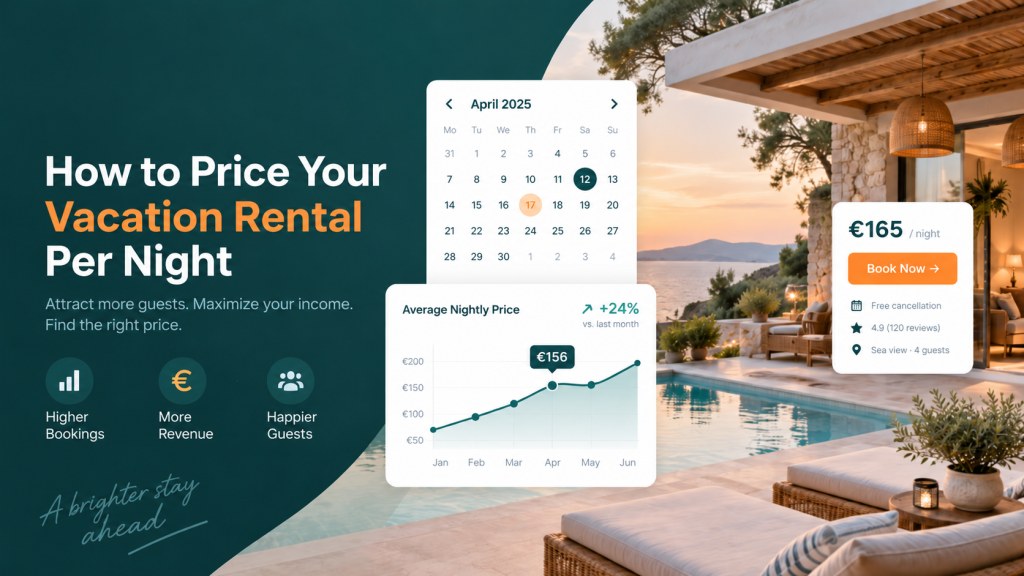
Homadu provides a cost overview with an expandable price breakdown. You can also choose whether to display a general guest rate overview. Check several stays and group sizes yourself. For more on setting rates, read how to price your holiday rental.
Use genuine reviews and identify the host
Only publish feedback from real stays and preserve its meaning. Obtain permission where needed, and only name a source you can substantiate. A new property with no reviews benefits more from complete information than invented quotations or a fictional rating.
Introduce the owner or manager with a suitable name, a short explanation and a working way to get in touch. Keep the property name and contact details consistent and current across your pages. This makes asking a question straightforward.
Explain what happens after a request
An up-to-date calendar shows guests which dates they can request. Record your own bookings and blocks carefully and check the latest availability when using connected calendars.
Guests submit a booking request through your Homadu website. You review it and accept or decline; the guest receives the corresponding confirmation emails. Explain this beside the request button and set out your payment, cancellation and contact arrangements. Guests can then see what happens next and where to ask questions.
Check the page on a phone
Review the photos, text, costs and request process on mobile. Do contact links work? Do bed and facility details agree throughout? Can guests read the rules before requesting a stay? Ask someone unfamiliar with the property to choose a stay and note where they struggle. Check again after renovations, price changes or new rules. A trustworthy page keeps matching the holiday home you offer.