More direct bookings for your holiday rental: a practical plan
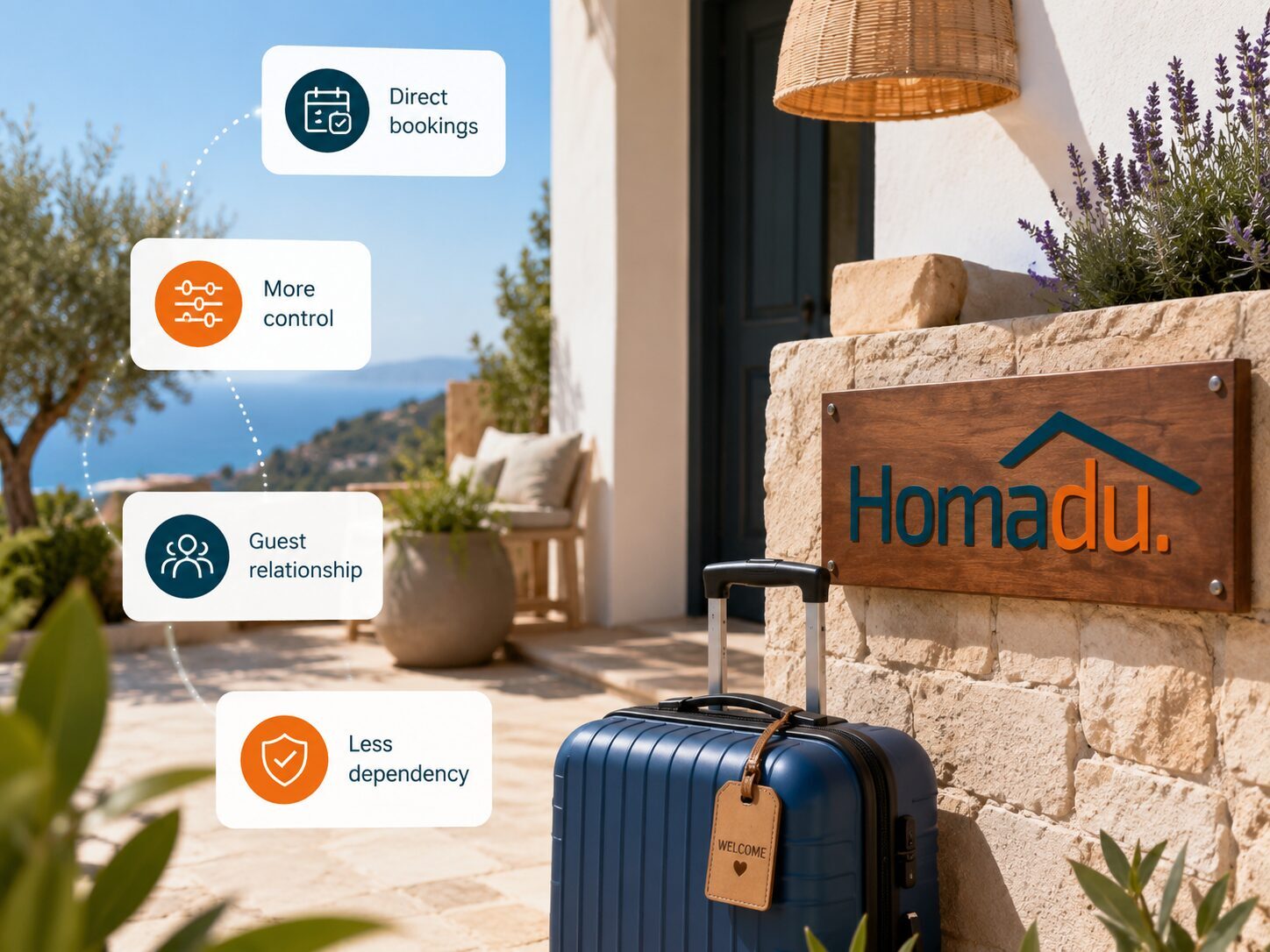
Your own rental website is where interest can become a direct booking request. Homadu charges no commission on direct bookings. How do you reach suitable visitors, answer their questions and help them take the next step? Start with the weakest link and work through a concrete plan.
Find where interest is being lost
Review recent questions and requests. Did people know they could contact you directly? Could they find the price? Or did communication stop after they submitted a request? These are different problems. A site with few visitors needs a different response from one with plenty of visitors but no enquiries.
Choose one specific aim for a defined period, such as more requests for available weekends in November. Focus on the available nights for which you would like extra guests. Your message can then match a stay people can actually request. If you do not yet have a direct channel, first read what your own booking website needs.
Bring suitable visitors to the relevant page
Use a consistent, recognisable property name and link to your site from your own social profiles, email signature and guest information. When promoting a particular stay, link to the relevant property page so visitors do not have to search again. Check the link on a phone too. To discuss a listing with a local partner, prepare a clear description of the location, the guests it suits and how to contact you.
Make the message useful to the people you want to reach. A couple planning a November walking break will learn more from a nearby route, somewhere to dry boots and actual availability than from 'book your dream holiday now'. Describe only what you provide. Use place names and features where they clarify the offer rather than repeating keywords. Keep local advice current and lead naturally to the details of a suitable stay. Develop one useful topic rather than filling several pages with generalities.
Give interested visitors a clear next step
A visitor needs to decide quickly whether the property fits. Make capacity, beds, location, relevant amenities and practical limitations easy to find. Show the real rooms and explain whether, for example, pets are allowed. For a fuller checklist, see improving your accommodation page.
Make the next action recognisable, perhaps 'Check availability and request your stay'. Show the price for the selected stay, including required charges and chosen extras, with a security deposit separately. On a small screen, check that the breakdown is readable and that guests understand what happens after submission. Show real feedback from previous guests and explain how a request is handled. This gives visitors a clear basis for taking the next step.
Treat a request as the start of guest service
A direct website booking in Homadu starts as a request. The host accepts or declines it, with confirmation emails following. Explain this step in your text and communicate your usual response time. Make sure someone receives new requests, including on changeover days or while you are travelling.
Before accepting, check dates, party size, total price and conditions. Use the calendar connection to exchange occupied periods between your channels and include a calendar check in your routine. Answer the guest's specific question and explain payment arrangements and next steps. Arrange payment directly with the guest as agreed. If the requested dates do not fit, look for an available alternative that suits their travel plans.
Give happy guests a reason to return
A good experience starts with an accurate description and is delivered during the stay. Provide practical information and be available for real problems. After departure, you can ask for honest feedback. Include your own web address in your own guest information so people know where to find current details later. Ask whether they would like to hear about a future season.
If you want to send news about a new season or an available weekend later, ask clearly for permission for that purpose and respect requests to stop. Keep only the information you need and make it clear how someone can end contact. A useful message might state which dates are free, how many people can stay and where the full price is shown. Highlight the familiar setting, personal contact and what makes another stay appealing.
Track enquiries and completed stays
Keep a simple record for each period: where interest came from, how many suitable requests arrived and how many became accepted reservations and completed stays. If the source is unclear, ask 'How did you find us?' during contact. Record why an enquiry did not proceed, such as unavailable dates, unsuitable capacity, price or no reply. Keep unknown reasons separate from confirmed ones.
A made-up example: a post shared with a walking club produces twelve enquiries, but nine ask for dates that are already taken. That suggests a mismatch in the message or availability rather than necessarily a price problem. If four suitable requests produce three accepted reservations, look at what helped those visitors. When comparing periods, consider the season, available nights and small sample sizes. If you already track visits or clicks, decide which question those figures should answer, such as which of your own channels brings suitable requests. Include your promotion costs and time before expanding an activity.
Choose a manageable plan for the next month
You do not need to be active everywhere. Choose one audience, one period with space and one route to your website. Address a visible problem first, then review the outcome. This helps you see which change is useful and where your time is best spent.
- Week 1: test the site and request process on your phone; fix missing details, unclear prices and broken links.
- Week 2: share one specific stay through a suitable channel of your own or discuss a listing with a local partner.
- Week 3: review recurring questions, respond carefully and improve the relevant website information.
- Week 4: compare sources, suitable enquiries, accepted reservations and costs; decide what to continue or change.
Homadu gives each activity a recognisable destination: your own rental website with photos, prices, calendar and direct booking requests. Use your own settings to update the information for the stay you are promoting. Your message can then match what visitors find on the site. Explore the features and make your website a regular part of guest communication.

