A booking website for your holiday rental: what do you need?
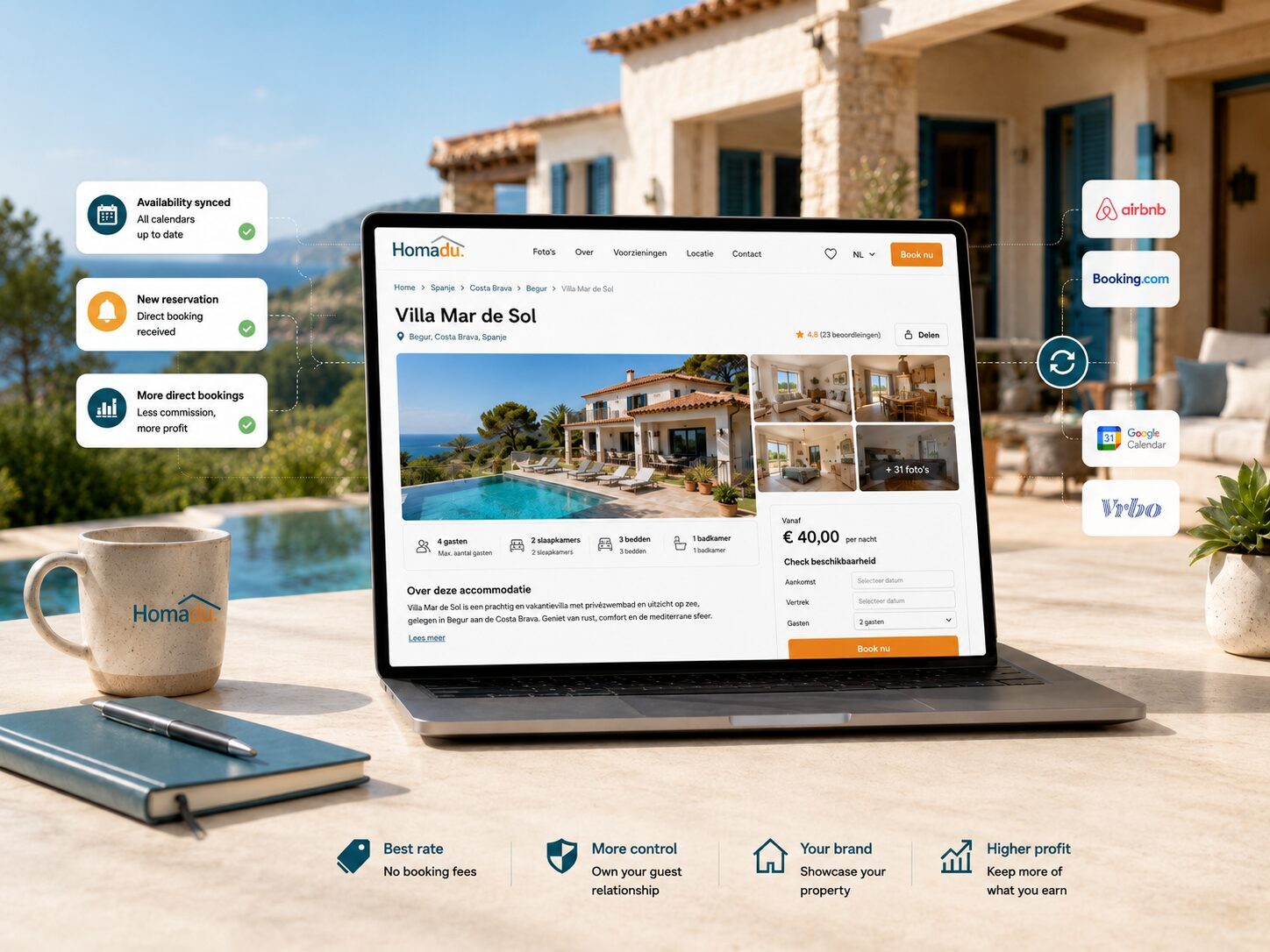
Your own booking website is your holiday rental's digital business card and online home. Guests can explore your story, photos, prices and availability and request a stay directly. Homadu charges no commission on direct bookings. Which features do you need, and how does this channel fit alongside Airbnb or Booking.com?
What does your own website offer?
A question arrives on WhatsApp, someone comments on Instagram and a former guest emails about returning. Without a central source of information, you answer the same questions repeatedly. A website gives those people one place to decide whether your holiday rental suits their stay. It is particularly useful when you already receive interest outside booking platforms.
- Returning guests and personal recommendations give you opportunities to share a memorable web address.
- You want to explain details such as bedroom layouts, the setting or suitability for families.
- You want direct enquiries and can keep prices, availability and guest communication up to date yourself.
Keep a clear role for booking platforms
Airbnb and Booking.com can introduce your property to new guests. Your own website adds a consistent, recognisable place for your presentation and direct contact. Share that address through your own communications, local partnerships and useful information about the area.
This combines the reach of booking platforms with your own digital business card. Guests who find you through a recommendation, your social profile or a previous stay can explore the details of their next visit in one place. Give each channel a clear role and make your website the home of your own promotion.
Which information and features matter?
Start with a guest's questions: how many people can stay, which beds are in each room, what is included and what is nearby? Show current photos of each space, amenities, location, house rules and practical limitations. Stairs or parking some distance away may matter as much as the view. See also building trust on your accommodation page.
Then consider the booking journey: a calendar, prices for the selected stay, a breakdown of required and chosen extras, and a clear way to send a request. Show the total cost of the stay with any security deposit listed separately. Choose languages your guests understand and in which you can handle enquiries. A custom domain helps people recognise your property; a well maintained site on a subdomain can also be a starting point.
Explain what happens after a request
A clear request process gives guests confidence and makes follow-up straightforward. With Homadu, a direct website booking starts as a request. You review it and accept or decline, with confirmation emails following. Use a phrase such as 'Check availability and request your stay' and explain when you usually respond.
Also explain payment arrangements, when payment is expected and which conditions apply. Arrange payment directly with the guest using the agreed method. Test that request emails reach you and decide who will handle them when you are away.
Build a clear cost picture
Set out your annual budget: subscription or website package, an optional custom domain, photography, translations and promotion. Allow time for current information, requests and payment arrangements. Homadu charges no platform commission on direct bookings. Count its subscription and any additional services you choose, such as a payment provider. This lets you compare the cost of your own channel with its returns.
An illustrative calculation: suppose your direct channel costs €360 a year and saves a net €60 in channel costs per direct reservation. You would need six completed reservations to cover that €360. Your time is not included in this example. Also consider whether a direct reservation is additional business or a booking moved from another channel, and compare equivalent total prices for the guest.
Coordinate availability across your rental channels
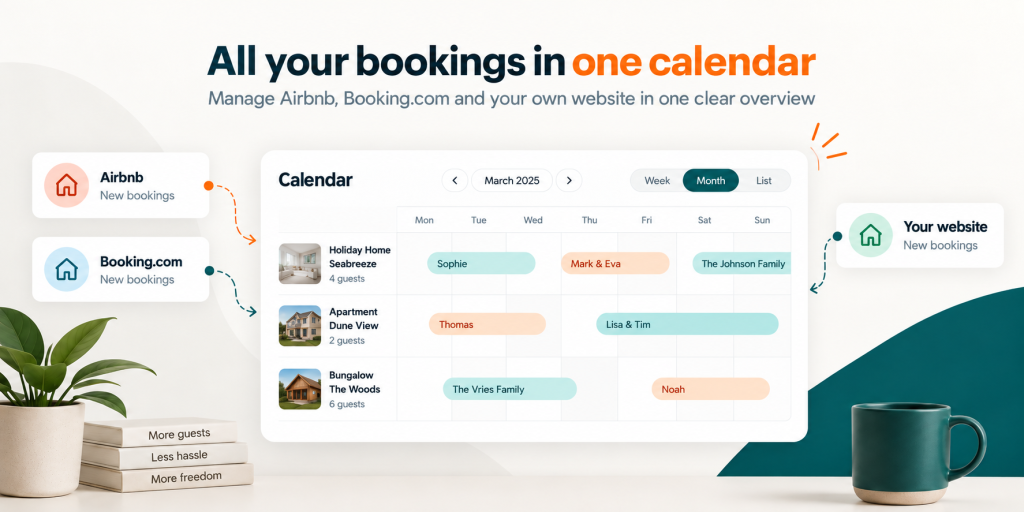
With iCal, you can exchange occupied periods and blocks between Homadu and your other rental channels. This helps align availability for the same property. You can combine the visibility of Airbnb or Booking.com with direct requests on your own website.
Set up connections for each property and use a test block to check how the exchange is processed. Include a calendar check when reviewing new requests. Follow the practical steps in connecting Airbnb, Booking.com and website calendars.
Your own rental website with Homadu
Homadu gives your property an online home on a subdomain or your connected custom domain. Present photos of each room, amenities, house rules, prices and availability, and receive direct booking requests. Your own settings let you manage the information guests use to choose their stay. Business cards, social profiles and personal recommendations can all lead to the same recognisable destination.
Hosting is included, while technical maintenance and platform updates are managed centrally. You keep property information current and handle guest communication. A cookie banner is also included with an active paid subscription after the trial. This brings the technical foundations and your own property settings together. Explore the features and current subscriptions to decide how to set up your rental website.
Test the full journey before inviting visitors
Open the site on a phone as though you knew nothing about the property. Look up a stay with a standard rate and one with additional charges. Are capacity, nights, total cost and security deposit clear? Can you complete a request without asking for missing information? Then check receipt, review and the messages sent after acceptance or refusal.
Plan the ongoing work too. Assign responsibility for new requests, rate changes, calendar checks and outdated photos or details. For one property, a short regular routine may be sufficient; with several, responsibilities need to be explicit. The usefulness of your direct channel also depends on that continuing work.
Take your first step
Start with the information guests need to choose your holiday rental: good photos, a clear description, rates and availability. Homadu brings these parts together in your own online home. Decide who will follow up on requests, then use your own contacts and communications to introduce the website.
- Write down essential features and your total annual budget.
- Use realistic stay examples to test whether the system fits.
- Then plan how to get more direct bookings, covering discovery, requests and returning guests.